BuildOps
Expanding a service management platform to support complex construction projects
Designing project management workflows that connect office teams and field technicians across long-term construction operations.
Summary
Problem
BuildOps was built for day-to-day service work and couldn’t support construction projects running for months or years across multiple phases, teams, and dependencies.
What I did
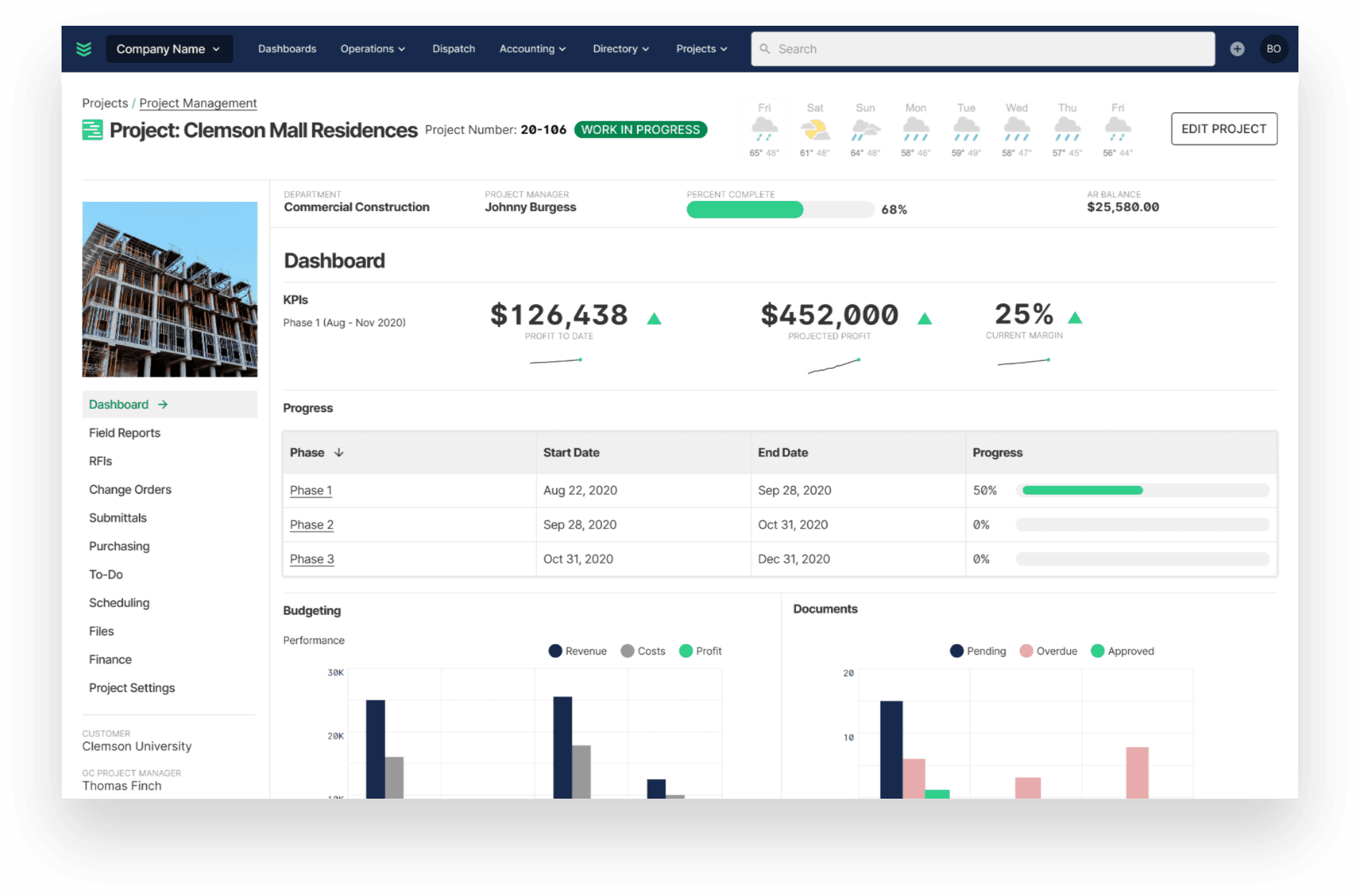
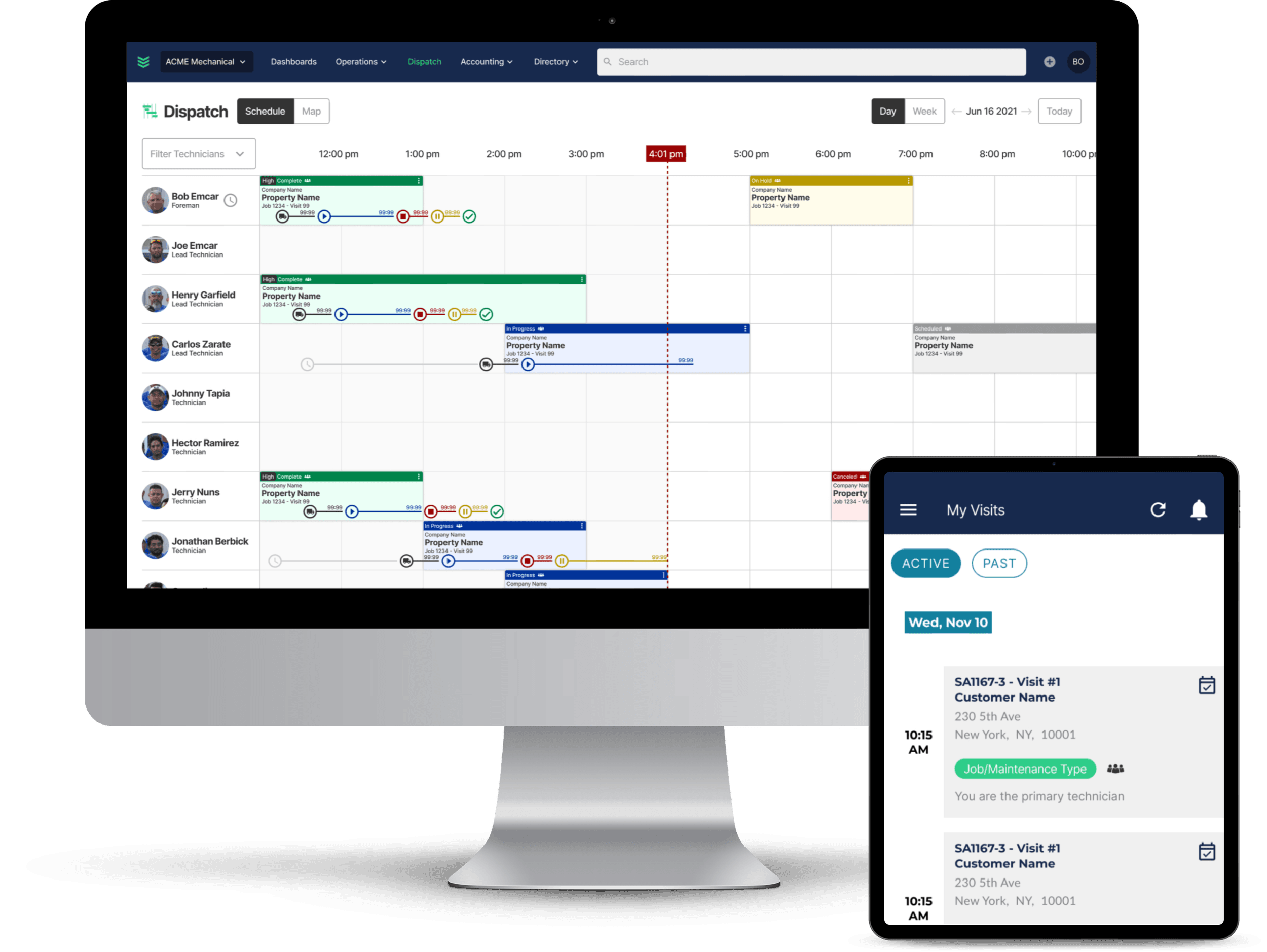
Designed core project management experiences across desktop and mobile — dashboards, scheduling, and project tracking — for both office and field users.
Outcome
Project management workflows that complement the platform’s existing scheduling and operational tools rather than sitting beside them.
Overview
BuildOps is an all-in-one operations platform for commercial contractors, bringing together scheduling, dispatching, project management, invoicing, and field service workflows.
Originally focused on day-to-day service operations, the platform needed to expand its capabilities to support longer-term construction projects.
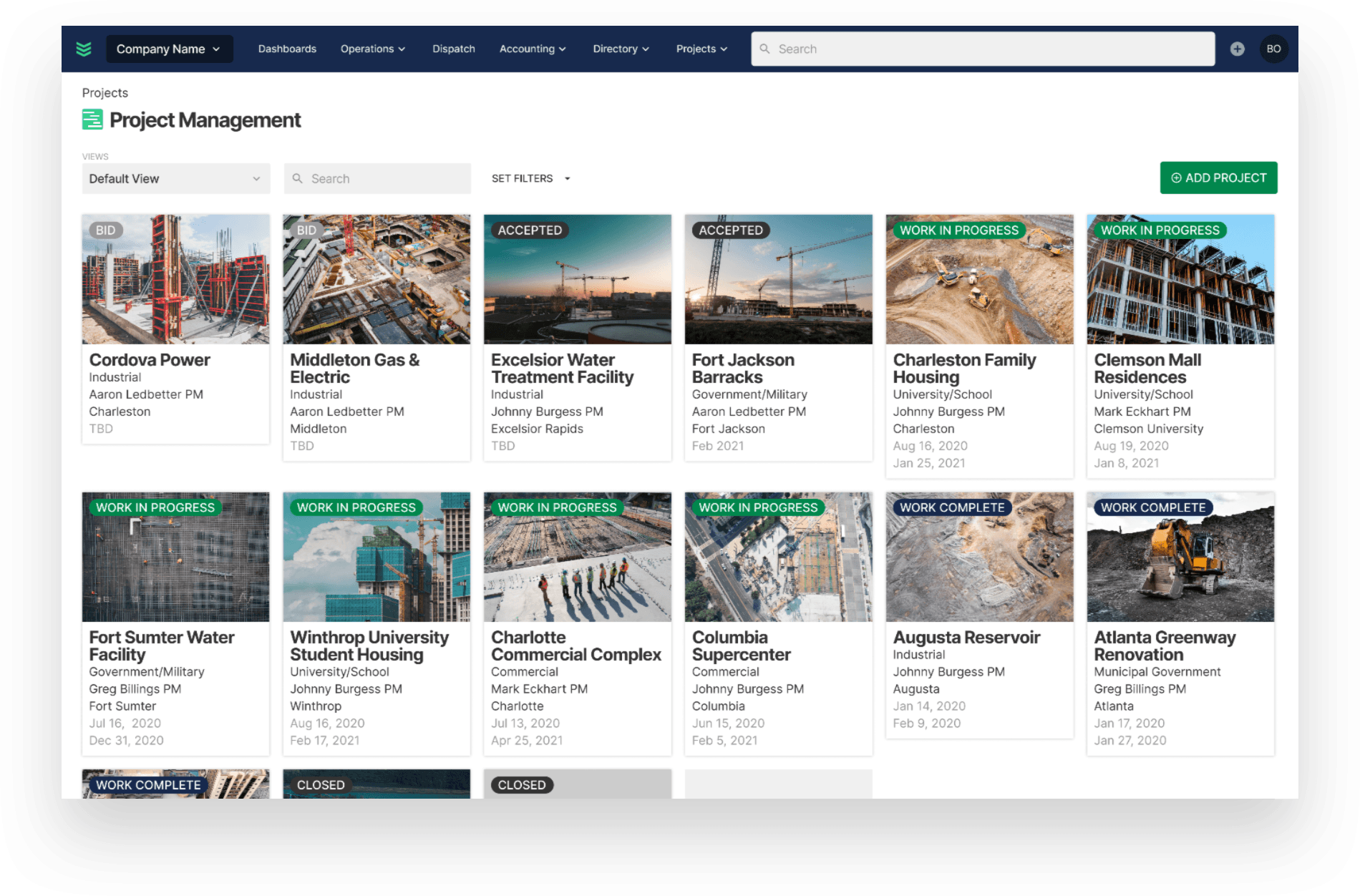
Unlike short service jobs, construction projects often involve multiple phases, teams, dependencies, and timelines spanning months or years. This introduced an opportunity to rethink how contractors planned, coordinated, and monitored work across their organizations.
The challenge
Managing long-term construction projects requires a different level of visibility and coordination than managing individual service appointments.
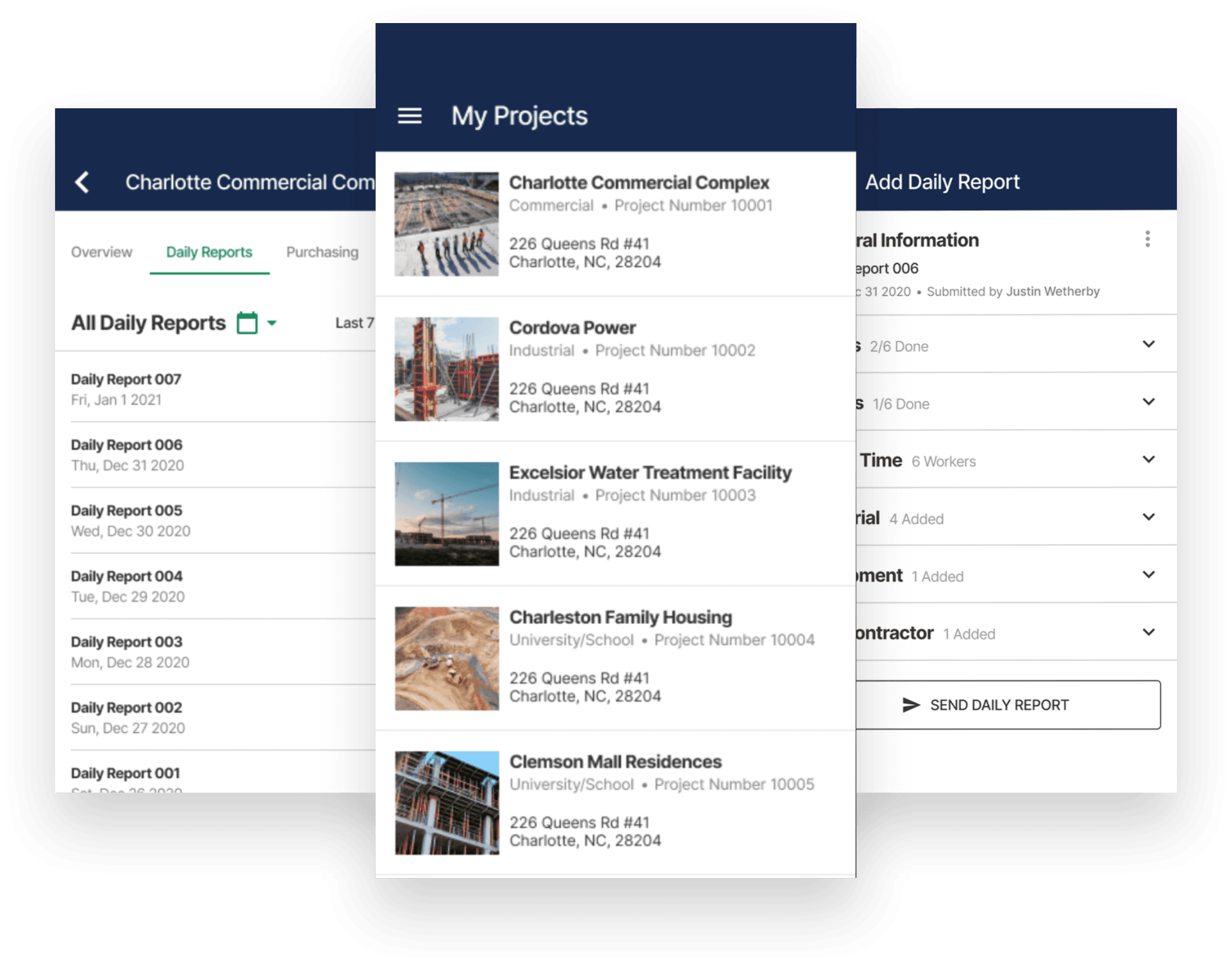
Office teams need to understand project progress, schedules, and upcoming work, while field technicians need clear information about their assignments and responsibilities.
The challenge was to introduce new project management capabilities without creating disconnected workflows or unnecessary complexity within the existing platform.
My role
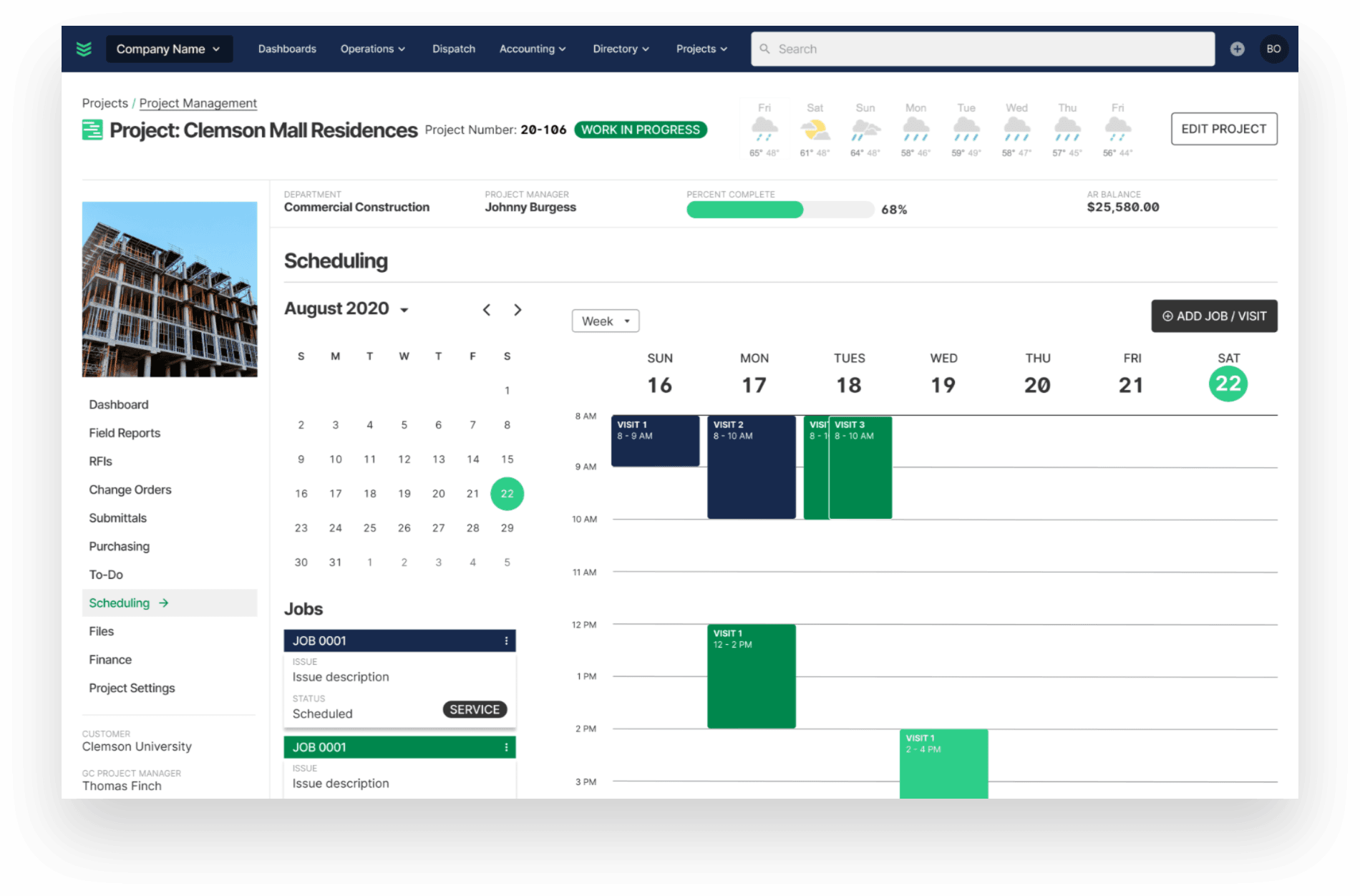
I designed core project management experiences across desktop and mobile, focusing on dashboards, scheduling, and project tracking.
Working closely with product and engineering, I translated complex operational requirements into workflows that supported both office-based and field users.
My work focused on balancing the needs of different user groups while maintaining consistency with the broader BuildOps platform.
Designing for multiple user groups
Office managers and field technicians interact with the same projects but require different levels of information.
Managers need broader visibility into project timelines, progress, and coordination across teams. Field technicians need focused, actionable information that helps them complete their assigned work.
I designed experiences that prioritized the information most relevant to each user while maintaining continuity across desktop and mobile workflows.
Extending an existing platform
Introducing project management required considering how new capabilities would fit into an established product ecosystem.
Rather than treating project management as an isolated feature, I focused on creating workflows that complemented existing scheduling and operational tools.
This approach helped maintain consistency across the platform while supporting a broader range of contractor needs.
Key takeaway
This project strengthened my ability to design for complex operational systems with multiple user groups, interconnected workflows, and competing priorities. It reinforced the importance of thinking beyond individual features and considering how new capabilities fit into a larger product ecosystem.